
Network Equipment Relocation: Moving Switches, Routers, and Fiber Without Downtime
May 30, 2026·By DataCenter Movers
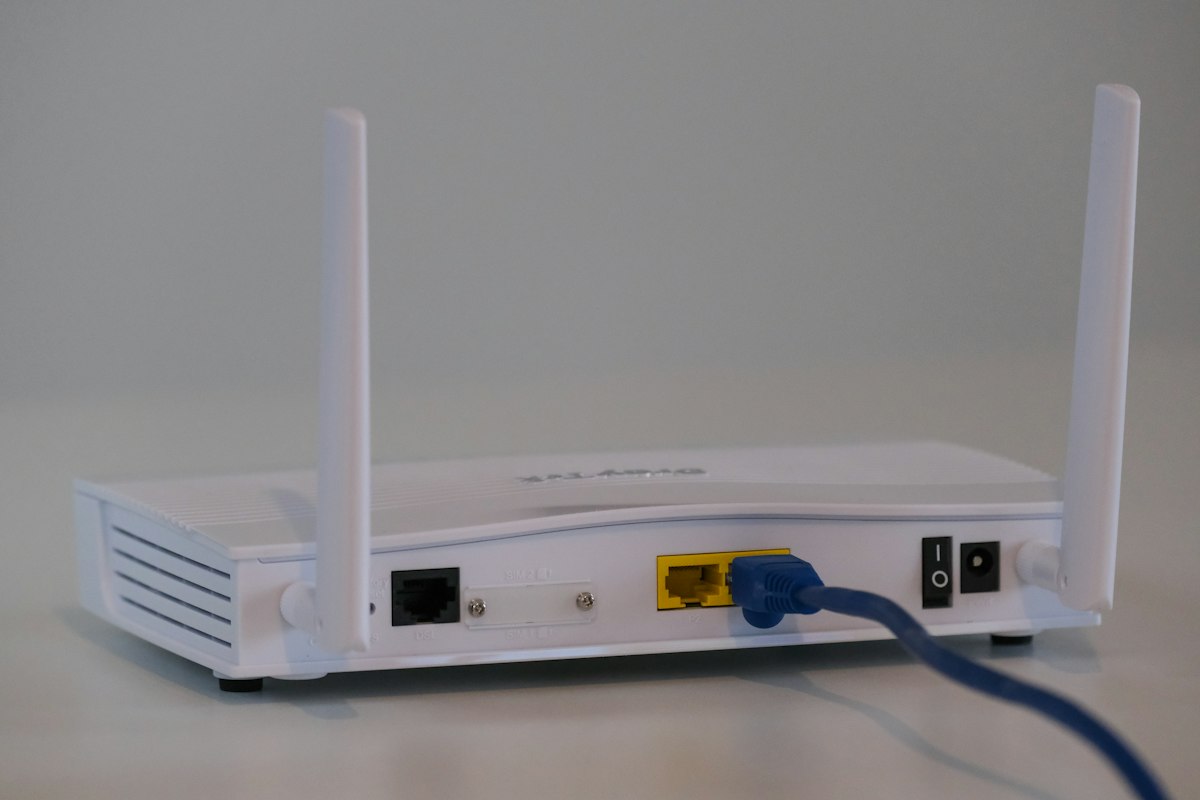
Network Gear Is the Nervous System
When you relocate a data center or office network, the switches, routers, and cabling are the most disruption-sensitive components. A poorly planned network move means downtime — and downtime means lost revenue. Here's how to relocate network infrastructure without the outage.
Pre-Move Documentation
Before touching anything, document the entire network:
- Photograph every rack front and back, including cable runs
- Label both ends of every cable before disconnecting
- Map port assignments — which device connects to which switch port
- Record IP addressing, VLANs, and configurations
- Back up all device configs (switches, routers, firewalls)
Protecting Equipment in Transit
- Use anti-static packaging for all devices
- Original boxes or custom foam-lined cases
- Keep optics (SFPs, transceivers) separate and protected
- Coil and protect fiber — bend radius violations break fiber optic cables
Fiber Optic Handling
Fiber is delicate. Exceeding the minimum bend radius cracks the glass core, causing signal loss or complete failure. During a move:
- Never bend fiber tighter than its rated radius (typically 10x the cable diameter)
- Cap connectors to prevent contamination
- Clean connectors before reconnection
- Test all fiber runs after reinstallation
Minimizing Downtime
- Plan a maintenance window — typically overnight or weekend
- Consider parallel buildout — set up the new network before decommissioning the old
- Migrate in phases when possible to keep critical services online
- Test thoroughly before declaring the move complete
Relocate Without the Outage
DataCenter Movers plans and executes network relocations with full documentation, careful handling, and downtime minimization. Request a network relocation assessment.
Need a migration plan for your environment?
Request a consultation—solutions engineers respond within one business hour.